Draft
Access and edit all information, including defined terms and cross-references, without leaving the clause or provision you’re working on. All in Word.
Book a demo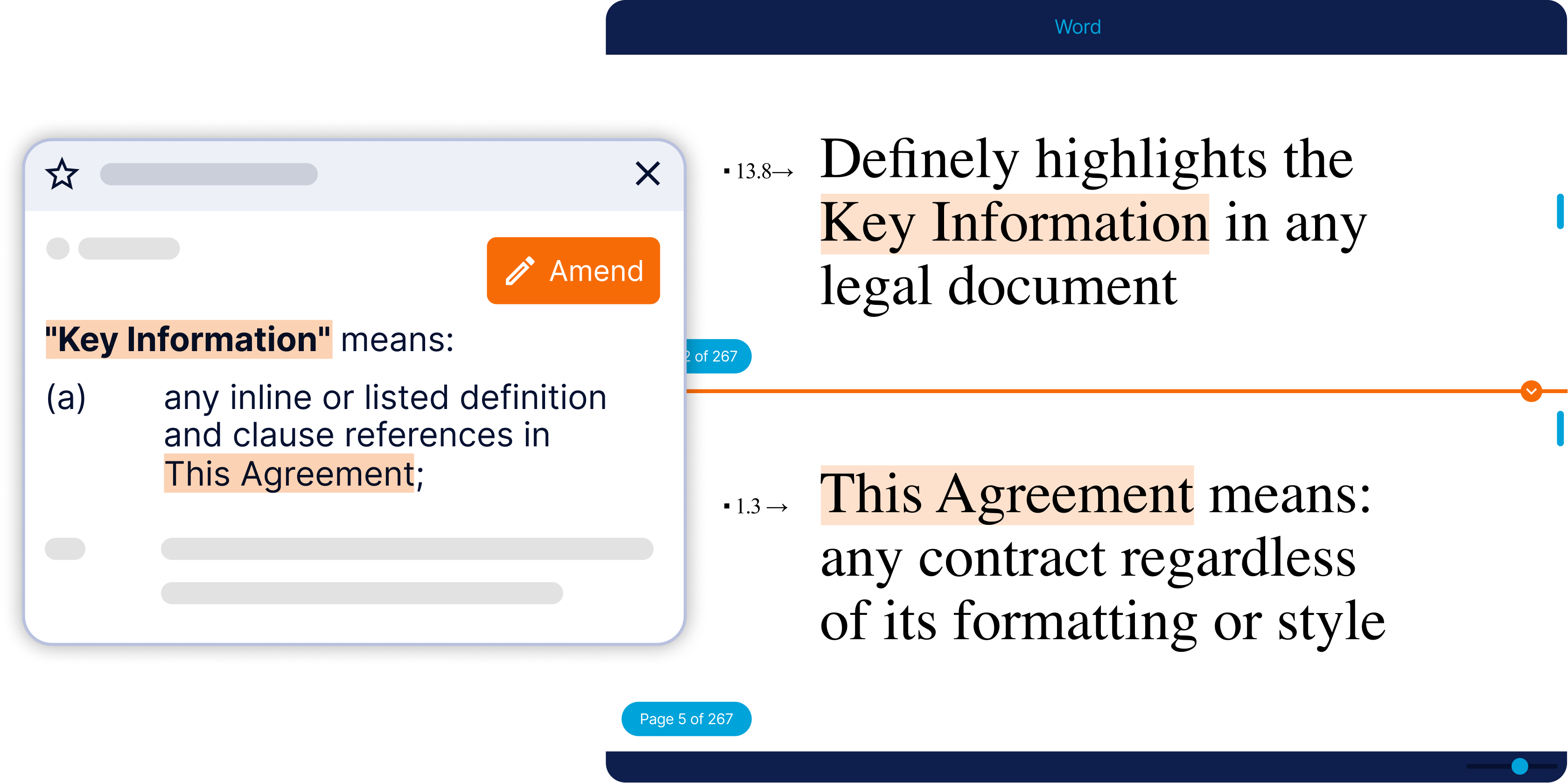
Stop scrolling, maintain context
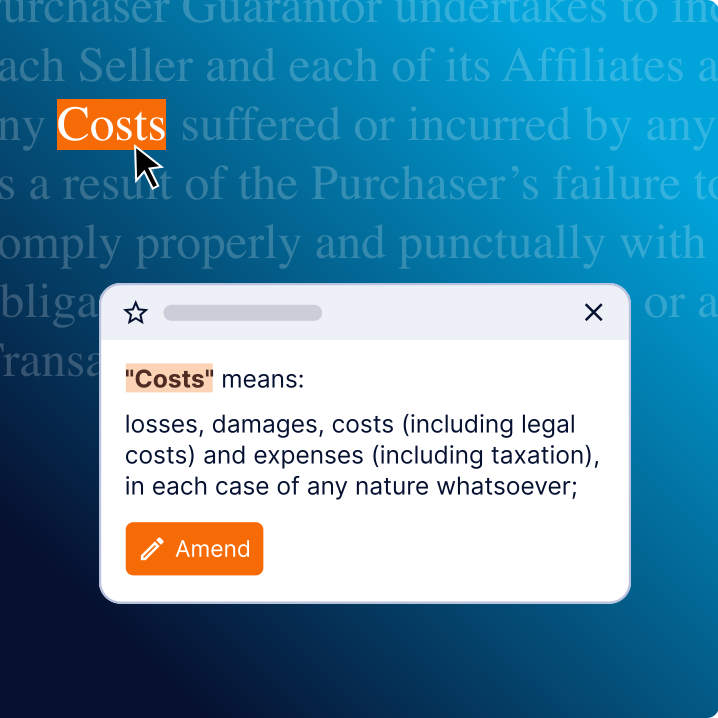
Draft transforms contract navigation, turning key information into hyperlinks. From endless scrolling, printing, and Ctrl-F to a single click.
Thoroughly review contracts
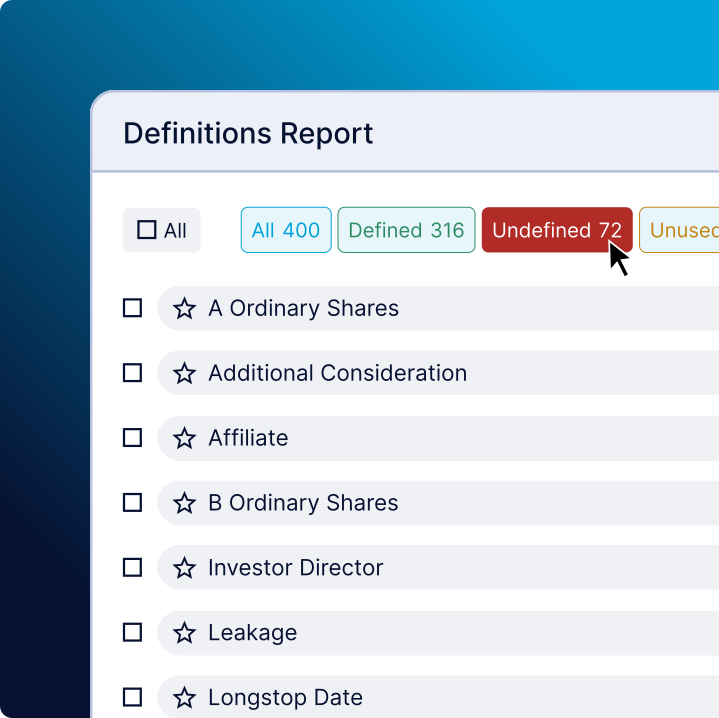
Generate a Definitions Report in seconds, and automatically identify every defined term, undefined term, and unused term in any contract.
Collaborate effortlessly
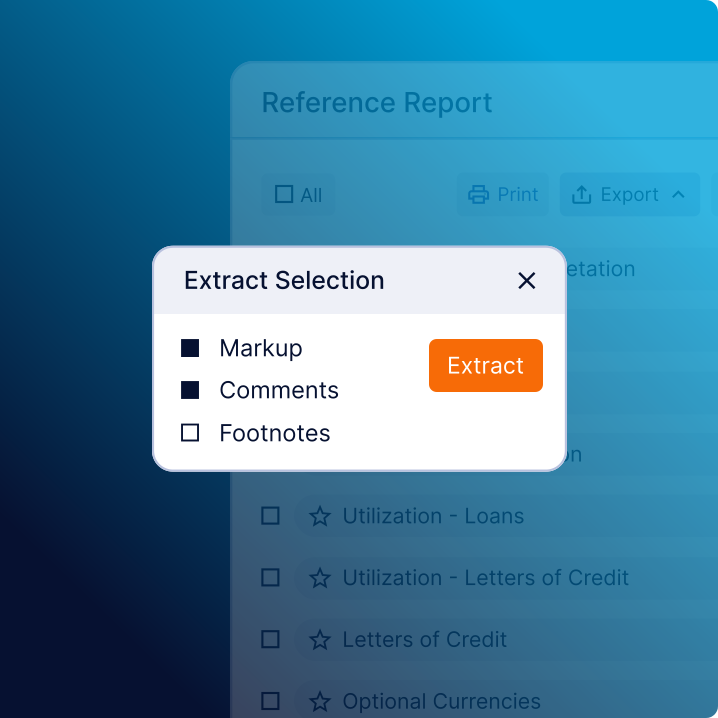
Quickly export issues lists and reference reports with key provisions and linked definitions for faster, more informed discussions.
The AI legal assistant built for complex contracts